Online subscription vs. Offline Edition at a glance.
Same announcements, different way of working. Green marks Offline advantages; gray marks online-only features.
Item
Online subscription
Offline Edition
Internet
Always required
Once when registering the product key (phone works too), never again
Pricing
From ₩37,200/month (discount on yearly billing)
No monthly fee (contact support for pricing)
Devices
PC, tablet, phone; simultaneous broadcast on several devices
One Windows PC (one product key = one PC)
Type and broadcast
Yes
Yes — title, opening, body and closing fields; numbers, times and prices read automatically
Scheduled & repeat broadcasts
From the Business plan
Yes — once, daily, weekdays, weekends, by weekday, by date, or interval repeat
Follow-up (chained) broadcasts
Yes
Yes — play several scripts back to back
Voices
Hundreds
10 professional voices (5 male, 5 female)
Language
Multilingual + AI translation
Reads 9 languages besides Korean · no translation
Chimes, background music, emergency sirens
Yes
Yes — 2 chimes, 27 music tracks, 3 sirens
Live weather/time tags, weather auto-broadcast
Yes (Business and up)
None
AI-translated broadcasts, in-store music
Yes (plan / add-on)
None
Multi-device broadcast, branch management
Yes
None
Broadcast history
Yes
Yes — kept for 1 year, export to Excel (CSV)
Data storage
Cloud, remote support
Only on the store PC (never leaves it)
Refunded
Per the terms of service
Full refund within 7 days of receiving the product key (installed or not)
Why offline
There are upsides to having no internet.
📡
Broadcasts play even when the internet is down
Scheduled broadcasts run inside the PC and keep playing from the taskbar even with the window closed.
₩
No monthly fee
No monthly billing to manage; for companies, a single tax invoice does it.
🔒
Store data never leaves the PC
Scripts and history stay on that PC only, so it works in closed networks and under strict security rules.
🔑
No account, no password
One product key is all you need. Nothing to hand over when staff change.
⚡
Press and it plays instantly
The voice is prepared the moment you save a script (green dot), so pressing the button broadcasts with no wait.
🔊
Sound tuned for your store amplifier
Every broadcast is automatically leveled to the same loudness, with separate volume for voice, chime, music and siren.
A look at the program
Four screens, nothing to learn.
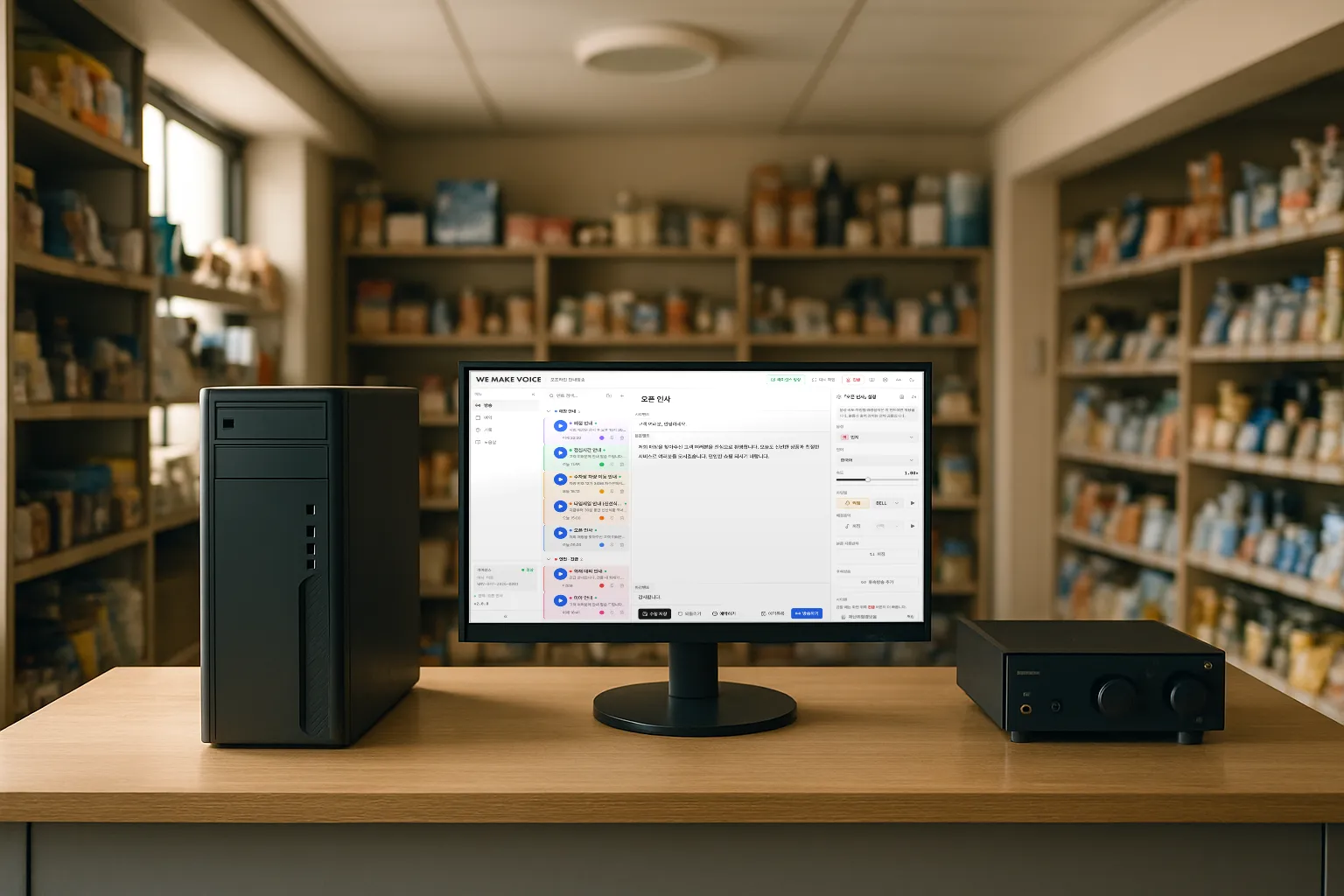
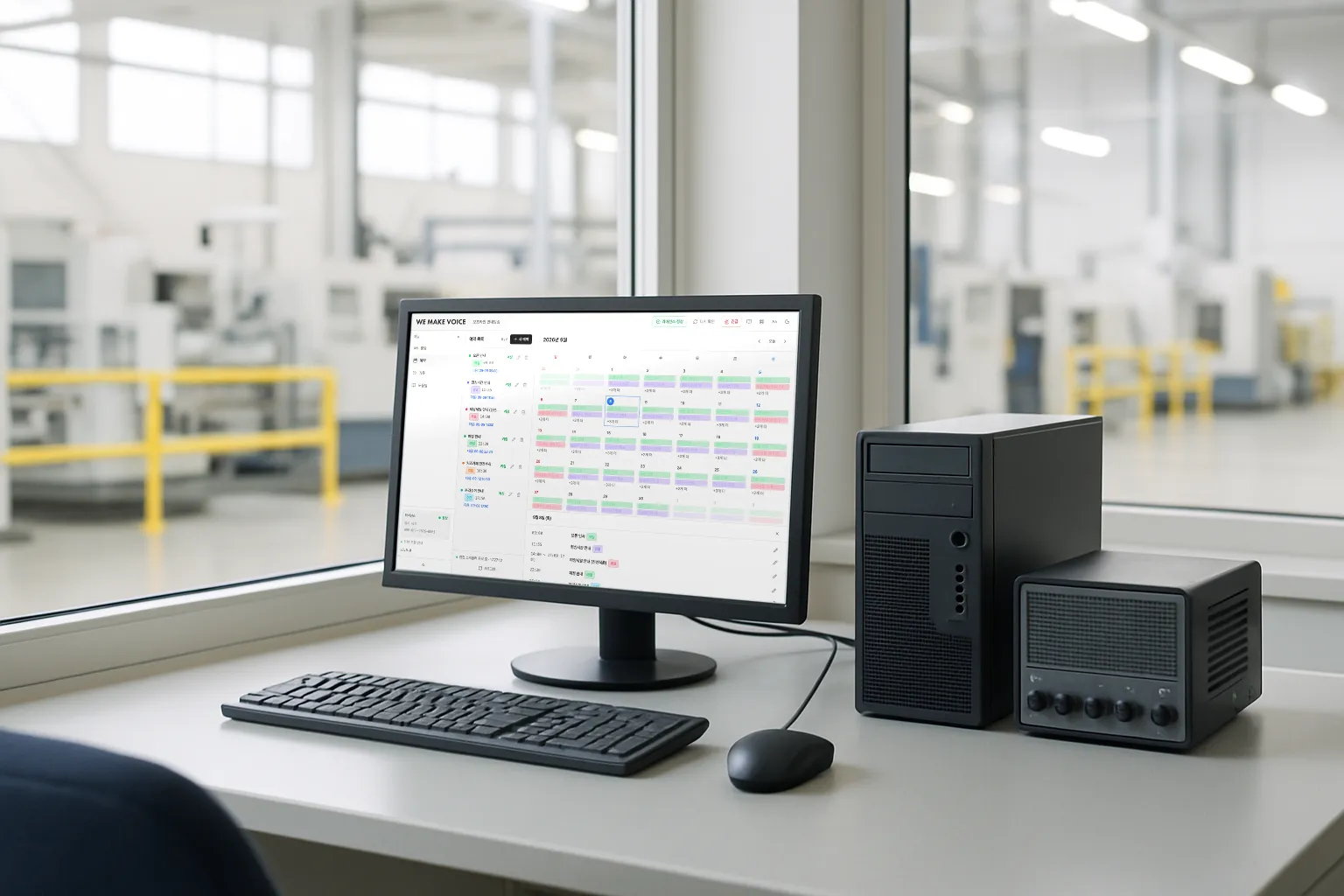
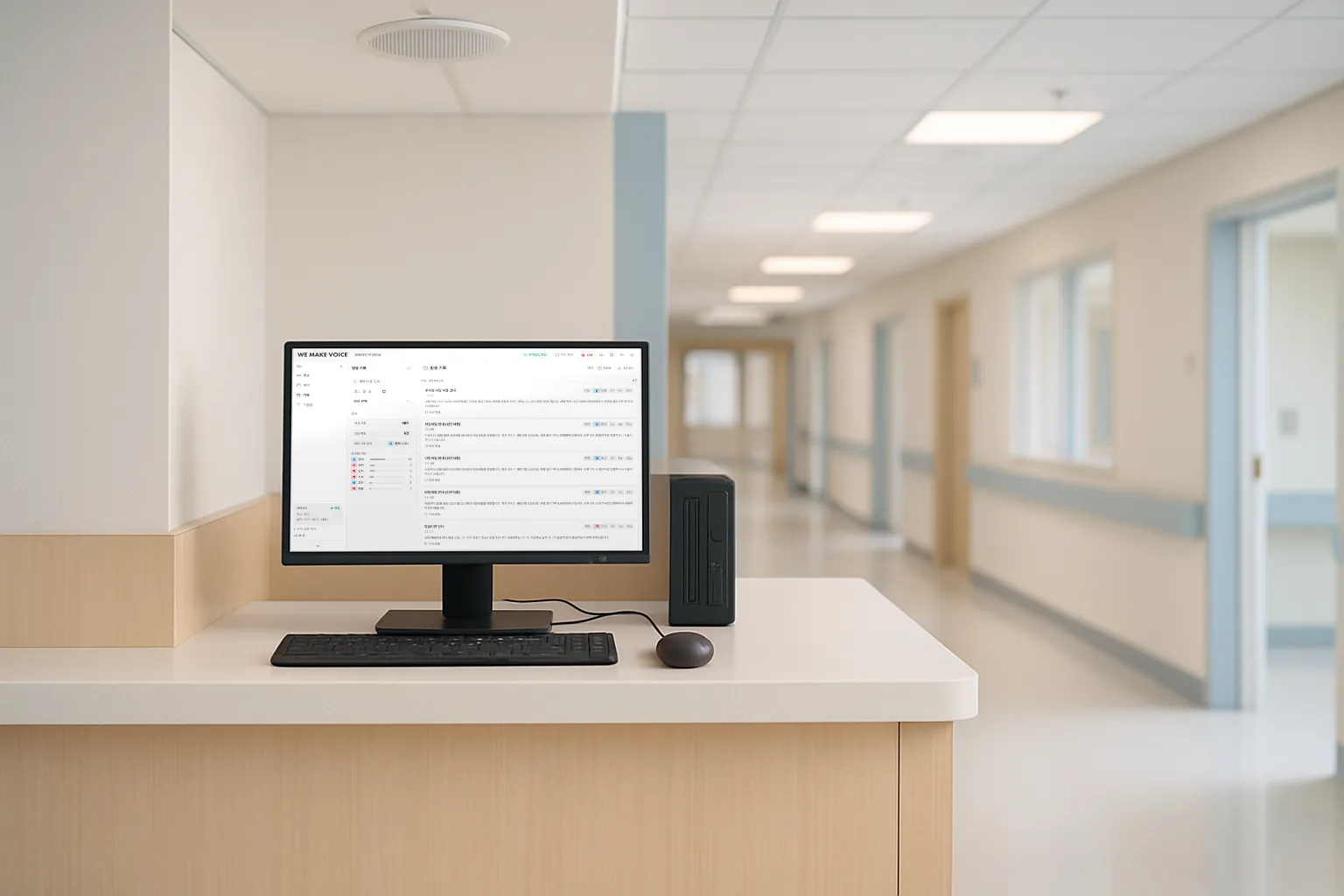
Broadcast, Schedule, History, Emergency. Large text and few buttons so it reads even standing at the counter. A speech engine running inside the PC reads your text aloud.
Broadcast
Script list — folders, colors, search, drag to sort
Write scripts in four fields: title, opening, body, closing
Reads numbers naturally, e.g. 10:30 as "ten thirty" and 3,500 won as "three thousand five hundred won"
Speed 0.7x to 1.5x · chain several scripts as follow-ups
See everything on the calendar and toggle on/off instantly
Shows the next broadcast time before you save
Keeps running with the window closed and starts automatically with the PC
History
Broadcast history by date · search · statistics per voice
Export to Excel (CSV)
Rebroadcast straight from the history
Kept for one year; older records are cleaned up automatically
Emergency · Settings
3 emergency sirens (disaster, civil defense, other) — hold 1 second to avoid accidental presses
Pick the output device and confirm the amplifier with [Test sound]
Separate volume for voice, chime, background music and siren
4 text sizes · dark/light · shortcuts Ctrl+Enter to broadcast, Esc to stop
Hear the voices
Ten professional voices. Listen first.
One real announcement per voice, taken from offices, apartment complexes, military bases and public offices. Every clip was made by this program inside a PC, with no internet.
지수FOffice
Attention, all staff. Today at two thirty in the afternoon, the first-half safety training will begin in the large conference room on the third floor. Employees in the relevant departments, please attend on time.
민지FApartments
Attention, residents. Today is recycling collection day. Please bring out your recyclables to the designated area for your building between six and nine this evening.
하은FPublic office
This is an announcement about the civil affairs office. Our lunch break is from twelve to one, and some counters will be closed during that time. Thank you for your understanding.
서연FOffice
An announcement for everyone leaving the office. The last person to leave, please turn off the lights and the air conditioning, and check that all the windows are locked.
수아FApartments
Attention, residents. Regular elevator maintenance for Building one hundred and one will take place tomorrow, from ten in the morning until noon. The elevator cannot be used during that time. Thank you for your patience.
준서MMilitary base
Attention. The duty day begins now. All sections, please move to the assembly area by eight thirty this morning. This announcement was made from the operations room.
민준MOffice
This is a fire evacuation drill notice. The drill will begin shortly, at eleven this morning. Please follow the announcements, use the nearest emergency stairs, and evacuate to the parking lot on the first floor.
도현MPublic office
An announcement about the government building. Today's services close at six in the evening. Visitors, please finish your business before closing time, and take your vehicles out through the main gate.
지호MApartments
Attention, residents. Because of plumbing work, the water supply will be shut off today for three hours, from one until four in the afternoon. Please store the water you will need in advance.
재원MMilitary base
This is a notice about the main gate. Visitor registration is open from nine in the morning until five in the afternoon. Please carry your identification when entering.
The program reads Korean, English, Japanese, Spanish, Portuguese, French, German, Vietnamese, Indonesian and Russian. Switch languages above to hear how each one sounds, and set the speaking speed from 0.7x to 1.5x.
From installation to first broadcast
Three steps and you're broadcasting today.
1
Buy and get the product key
As soon as payment completes, the product key appears on screen and is sent by text and email.
→
2
Install and register the key
Download the installer, install it and enter the product key. With internet it takes seconds; without it, scan the QR code with your phone.
→
3
Check the sound and broadcast
Pick the output device in Settings, press [Test sound] to confirm, then broadcast your first script.
✓Request within 7 days of receiving the product key and we refund in full, whether or not you installed or activated it.
Included
Product key + installer (download)
10 professional voices
Unlimited broadcasts
Scheduling · repeats · follow-ups
Chimes · background music · sirens
Phone support for installation and key registration
Right after payment the product key appears on screen and is also sent by text and email. For two or more PCs, contact customer support. 02-430-7626
Not included (online-only features)
AI-translated broadcasts
Weather-triggered broadcasts
Broadcast to all devices at once
Cloud storage · remote support
PC requirements
Windows 10 or later · 64-bit
An ordinary office PC (Intel i5 class or better recommended)
At least 3GB of free disk space
Amplifier connected via the speaker jack or a USB sound device
FAQ
Questions people ask before buying.
Does it work with no internet at all?
Yes. A check is needed only once when you register the product key, and even then you can scan a QR code with your phone if the PC has no internet. After that it keeps working offline.
What kind of PC do I need?
Any 64-bit PC with Windows 10 or later. An ordinary office PC is enough; keep at least 3GB of free disk space. Audio goes to your amplifier through the PC's speaker jack or a USB sound device. Mac, tablets and phones are not supported.
What if I change the PC?
Tell customer support and we release the old PC. Register the same product key on the new PC at no extra cost. Reinstalling on the same PC needs nothing at all.
How many voices are there? Other languages?
Choose from 10 professional voices (5 male, 5 female). Besides Korean it can read 9 other languages, but it does not translate, so write the text in that language.
Do scheduled broadcasts play if the PC is off?
They play even with the window closed, but not if the PC is off or asleep. Keep "Run at Windows startup" enabled during installation and turn off sleep mode.
What about several stores?
Each store (PC) needs its own product key. If you want to manage several branches from one screen, the online subscription is the right fit. For two or more PCs, contact customer support.
Can I use it together with the online subscription?
Yes. They are separate products, so you can use both. Scripts are not synced between them, so copy and paste them.
What is the refund policy?
Request a refund from customer support within 7 days of receiving the product key and we refund in full. Within 3 business days of the request, card payments are canceled and bank transfers are refunded by deposit. Even after 7 days, if the product differs from what was described or has a defect, you can get a refund within the period set by law.
Can my company buy with a tax invoice?
Yes. Submit a [Company purchase request] and we send a quote and tax invoice, then issue the product key once payment is confirmed.
I can't manage the installation.
We help by phone with installation, product key registration and sound checks. PCs with internet can also get remote support.
Offline Edition
Because announcements must play even in stores without internet.
Install it, enter the product key, and you're broadcasting today. Full refund within 7 days.