Pick a voice, drop in text — done. WeMakeVoice Anyone in 5 minutes.
No complex setup, no recording gear. Choose from 984 voices, paste your script, and out comes an MP3 ready for ads, YouTube, textbooks, and audiobooks.










Just three steps to your voice.
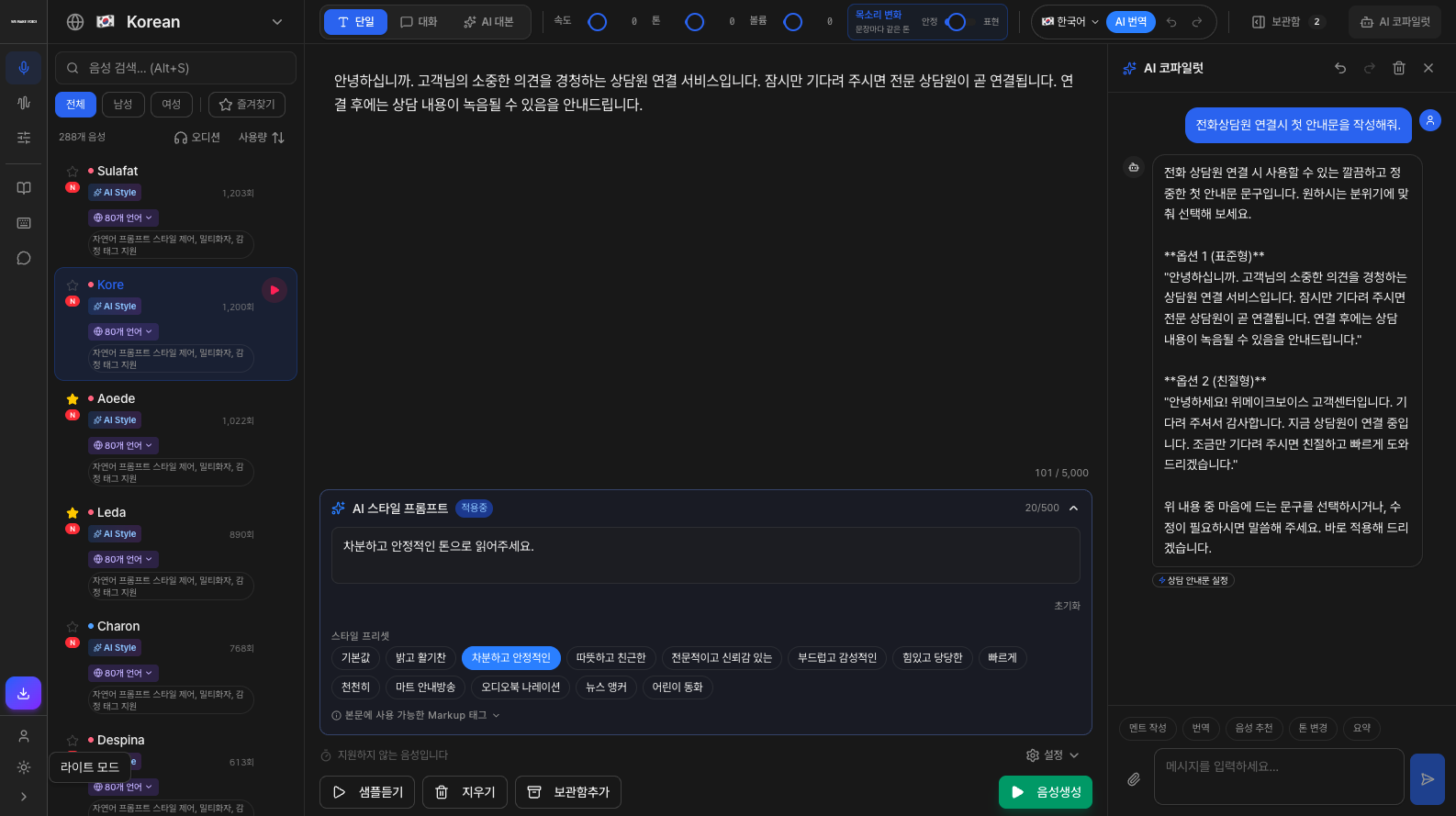
This is the screen the moment you sign up. Pick a voice, paste your text, and you get an MP3 ready for ads, YouTube, textbooks, and audiobooks. Nothing to learn, nothing to install.
Pick a voice
Preview 984 voices and tap the one you like. Ads, narration, characters, reading aloud — there's a voice for every use.
Drop in text
Just paste the text to be read. Long scripts or last-minute changes? Re-enter it on the spot and you're done. Tone and speed are a single slider away.
Download file
One button and your MP3 downloads. A commercial license is included, so use it directly in ads, broadcasts, and content.
Screens you'll touch within a minute of signing up.
Real product screens. Every feature is available the moment you sign up.
One voice goes this far.
Studio · Cloning · Mixer. All three with one sign-up.
Studio · Cloning · Mixer. All three with one sign-up.
Paste your script and the voice actor starts reading.
Pick a voice that fits the mood from 984 options, and direct the emotion and pace. With no studio and no casting, you get voice-actor-quality audio complete with subtitles.
984 voices · 80 languages
Ads, narration, characters, reading aloud — preview by mood and decide. English, Japanese, and Chinese sound natural too.
Direct the emotion and tone yourself
[smile] [whispering] Smiling like [smile], whispering like [whispering]. Adjust speed and pitch sentence by sentence.
Subtitles automatically · SRT/VTT/JSON
Create audio and the subtitle file comes with it. Just drop it onto your video — no transcribing needed.
Commercial license included
Use it anywhere — ads, broadcasts, education. No separate license negotiations.
One voice goes this far.
It doesn't stop at reading text aloud. From language textbooks and listening tests to ringback tones and exhibition QR guides — it produces results you use on the ground.
English, Japanese, Chinese — natural as a native speaker.
Create high-quality audio with 984 AI voices across 80 languages. With native-level pronunciation, finish promo, education, product, and YouTube audio at a markedly different level of quality.
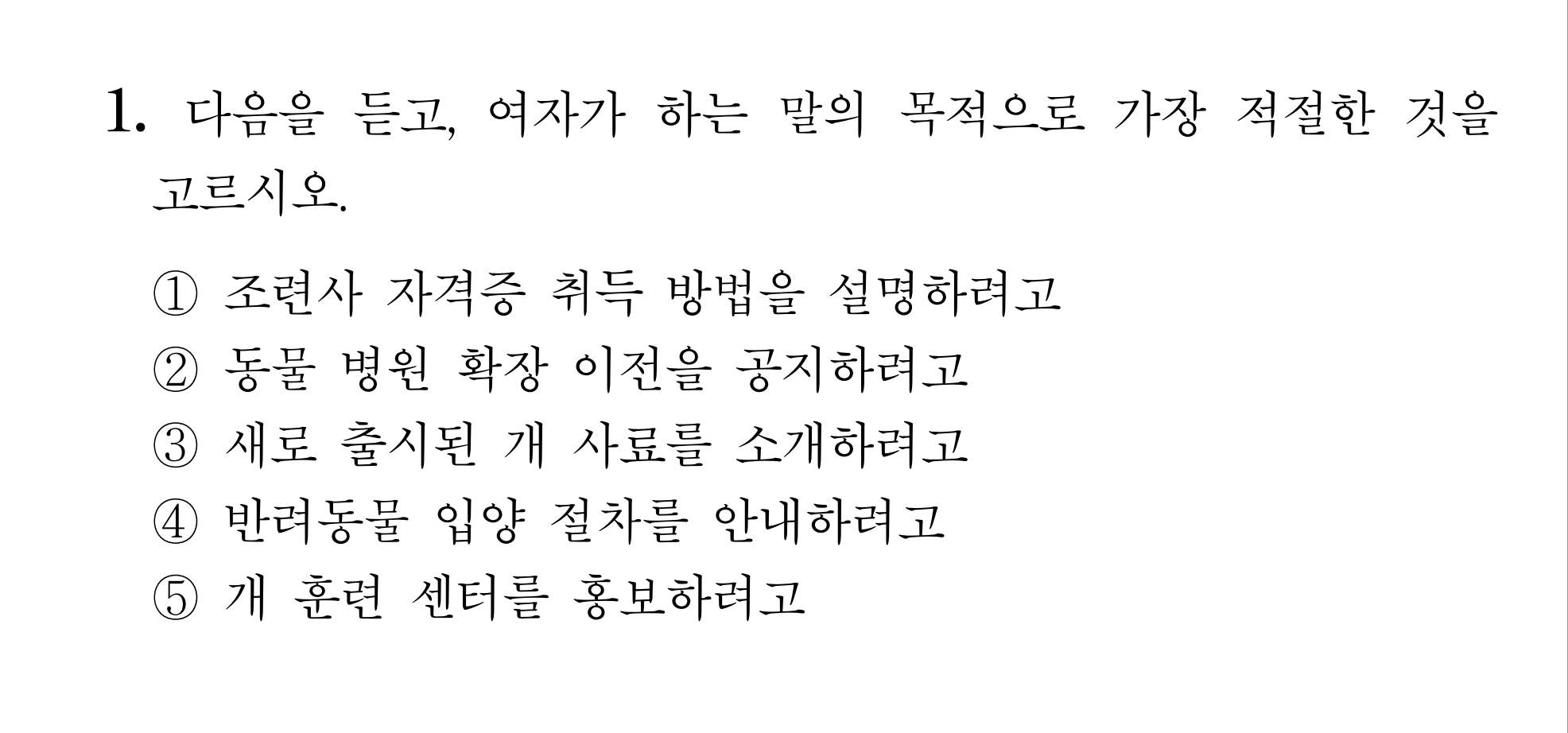 Education · assessment audio
Listening tests, exams, and level tests — with next-level audio.
Create audio in varied accents and tones, finely adjust the gaps between clips from 0.1 seconds to 60 minutes, and fit an entire test session into a single file. Speed, tone, and volume can all be precisely refined.
 Ringback tone
A ringback tone unique to your company, in 5 minutes.
Pick a voice, enter your content to create the audio, mix in background music, and your ringback tone is ready. Just hand the file to your carrier.
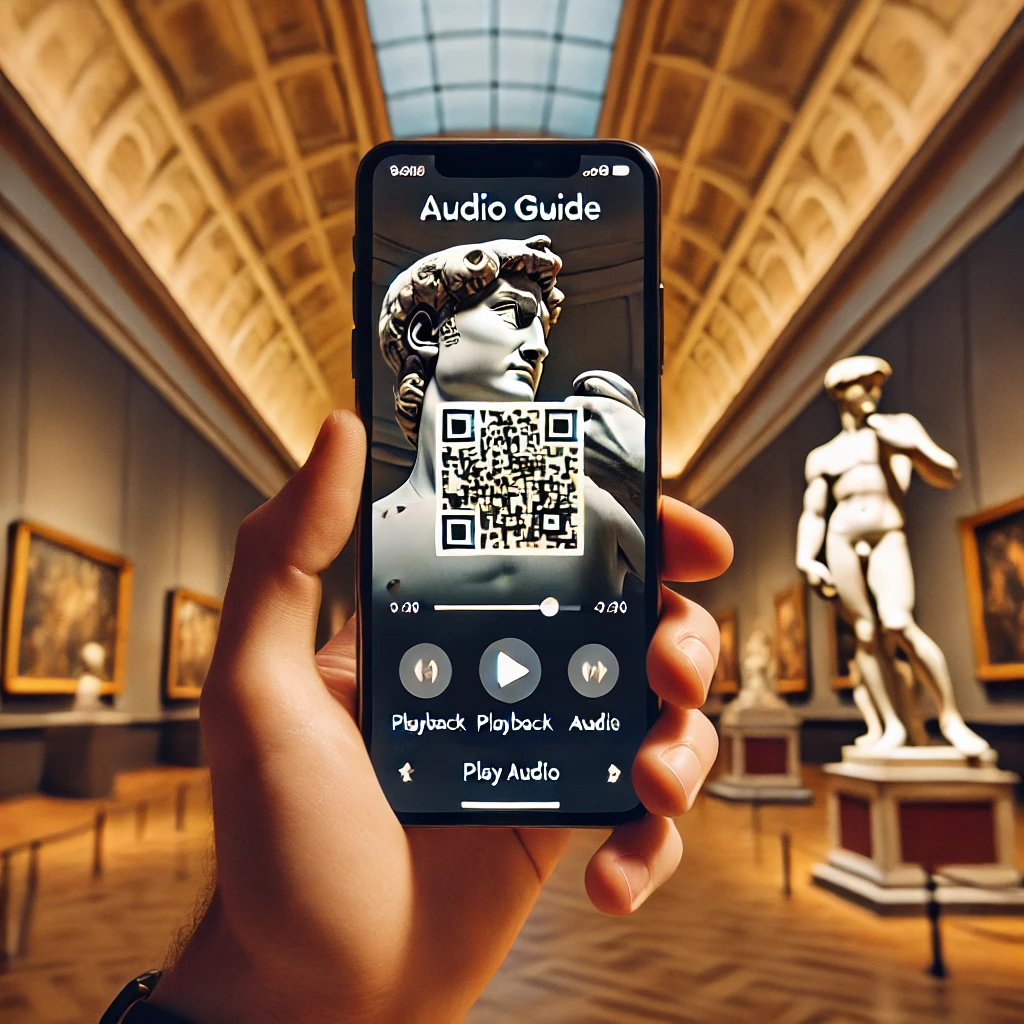 QR audio guide
Turn your audio into a QR code — even for exhibition and tourism guides.
Audio guides for museums, tourist sites, and exhibition halls. Create audio and save it to your library, a QR code is generated automatically, and you just download it and stick it where you want.
Generate Voice
Create guide scripts in the language and voice you want and save them to your library.
Automatic QR Code Generation
A QR code is generated automatically for the audio you saved.
Use instantly
Download the QR code and provide audio guidance anywhere.
Upload a video, and it speaks again — in 80 languages.
We listen to the speech, translate it, and lay a new voice in its place — while the music and the room stay exactly where they were. Your dubbed video never goes silent.
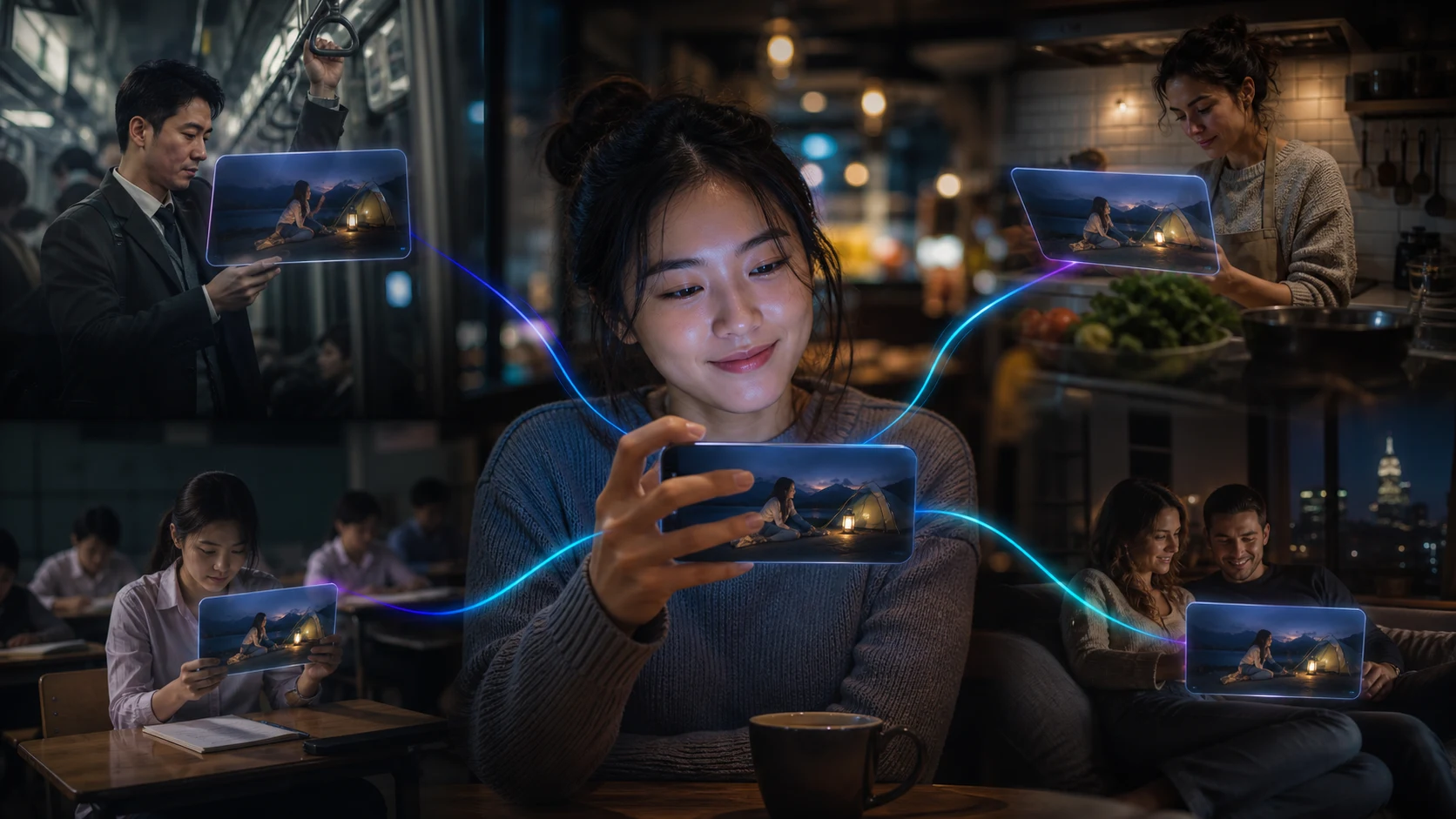 Make it once, hear it in many languages
If you have tried other dubbing services, these three things will feel different.
The background does not disappear.
Most dubbing erases the original audio entirely. The music goes, the footsteps go, the murmur of people goes — and the video falls strangely quiet. We lower it instead of erasing it: the background dips only while someone is speaking, then comes right back up.
Fixing it does not cost you again.
If every retry of an awkward line adds to the bill, you never feel free to fix anything. Remaking the same line is free, as many times as you like — and you can re-export a finished video for seven days.
The speech does not speed up.
Translation makes sentences longer, and speeding them up to fit the timing makes the voice sound comical. Instead of raising the speed, we rewrite the line shorter — same meaning, just said more plainly.
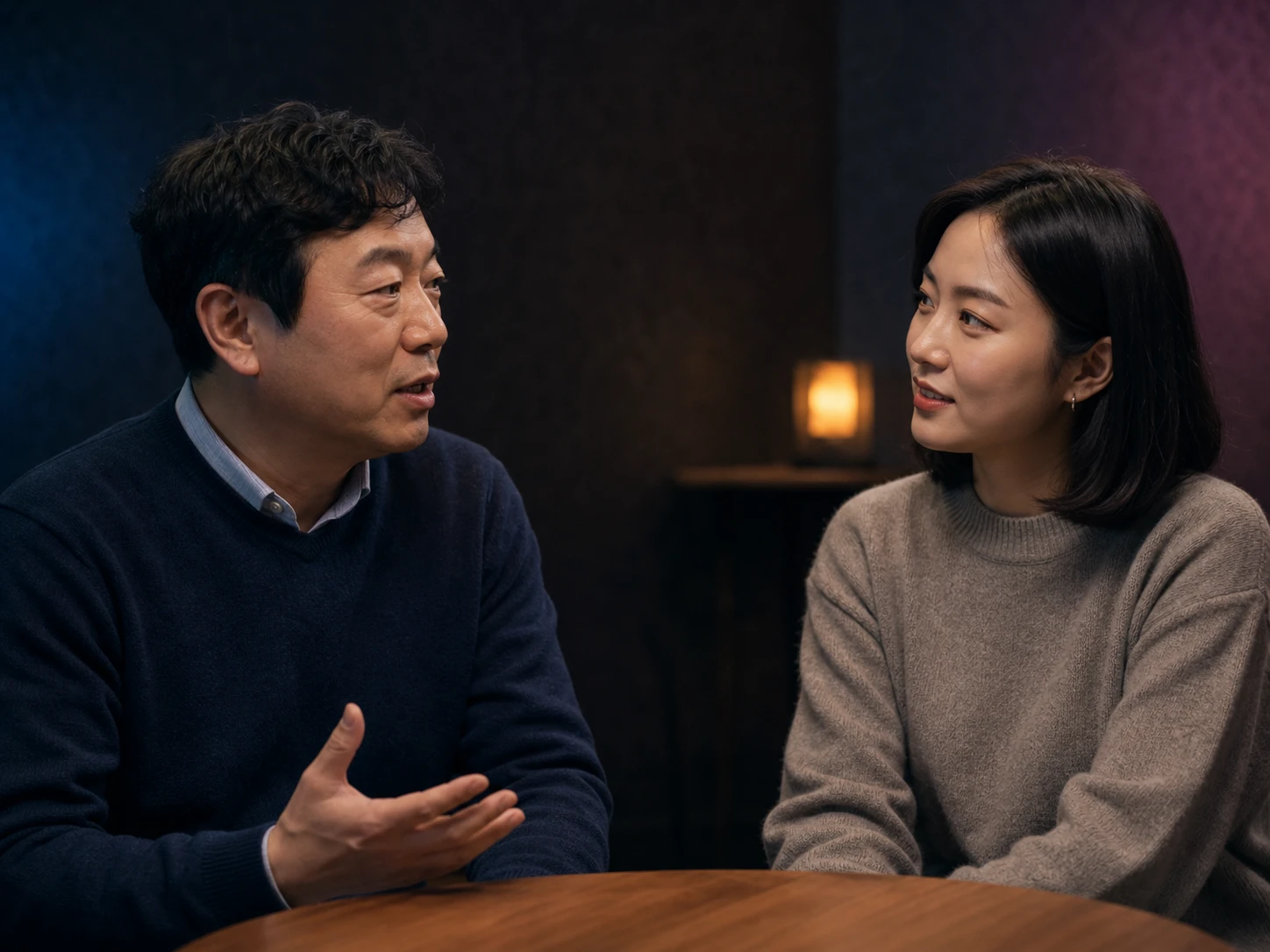 A different voice for each person
A different voice for each person — or their own voice, if you like.
An interview between two people gets two distinct voices, split line by line. You can also learn a speaker's own voice from the video, so that in English it is still them talking.
Your slides become a narrated video.
Export your PPT as a PDF, upload it, and write a script for each slide — you get an MP4 with AI voice and synced subtitles. Create lecture, training, and product videos without recording.
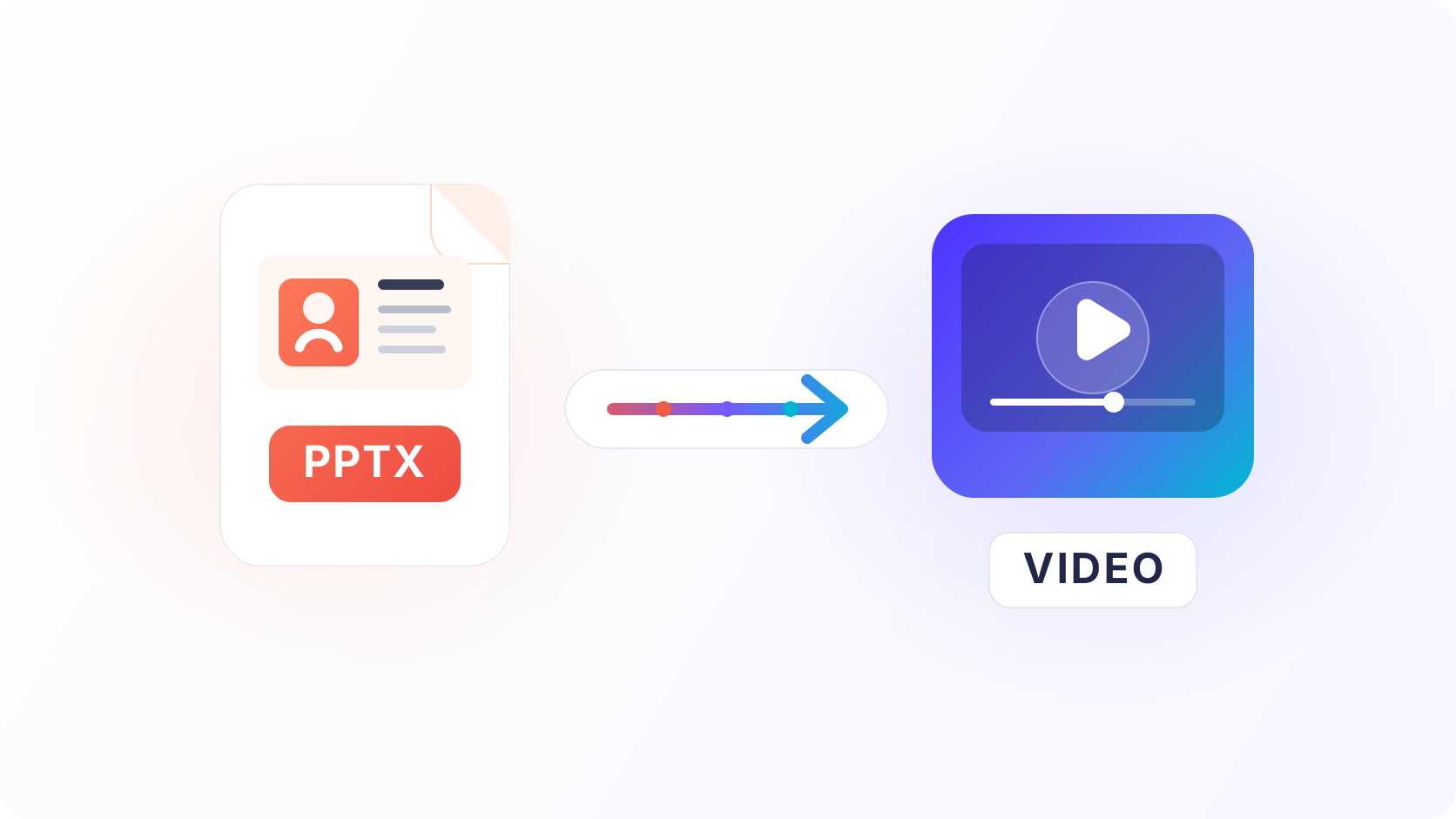
Upload a PDF
Export from PowerPoint as a PDF and upload it — each slide becomes a video frame as is.
Write the script
Type what to say for each slide and pick a voice. Subtitles are split automatically to match each sentence.
Download the MP4
Download your video with AI voice and synced subtitles burned in. An SRT subtitle file for YouTube is included.
Music that fits your voice, made in the same place.
Pick lyrics and a style, and AI creates jingles, background music and short stings. Save finished tracks to your library, share them by QR, and mix them with your voice right in the mixer.
 Add lyrics, get a song
No music experience needed. Three steps and you're done.
AI drafts the lyrics first.
Enter your store or brand name, business type and mood, and you get a lyric draft with the name in the chorus. Read it, edit as you like, then turn it into a song.
With vocals, or instrumental.
Jingles come with vocals; background music for videos or stores comes as instrumentals with no lyrics. Choose genre, mood and tempo, with lengths from 30 seconds to 3 minutes.
Pick from two candidates; counted only when finished.
Each generation gives you two candidate tracks. If it fails, no generation is used. Mix the one you pick with your voice in the mixer or download it as MP3.
During the beta, features and allowances may change. Tracks are labeled as AI-generated, and commercial use in stores and content is permitted.
The same three steps — anyone, anything.
From creators to corporate teams. The people and the voices differ, but the method is the same — pick, paste, get.
YouTubers · creators
Intro narration and subtitle dubbing, right before you upload. No shaky takes, no re-recording.
PR · marketing teams
Even if ad copy changes in review, a new version takes a minute. The costs that grew with every campaign are gone.
Video producers
From guide voices for rough cuts to final delivery audio — all in one place, no switching tools.
Textbook · e-learning creators
Hundreds of sentences stay consistent to the end — same voice, same tone. Quality holds steady no matter how many units you add.
Audiobooks · narration
Long manuscripts in a calm voice, all at once. Recording that took days now finishes in a day.
Phone greetings · IVR
Hours, away messages, and hold notices in a clean voice. When the script changes, remake and swap it instantly.
What will the voice be used for?
The right voice and workflow depend on the use case. Here are the six most common ones.
Ads & promotional videos
Narration for store promos and product videos with no voice-actor booking. Preview everything from bright tones to trustworthy low voices.
YouTube & short-form
Paste a script and get the voice with subtitles. Especially popular with faceless channels.
Education & lecture videos
Upload a PPT and every slide becomes a lecture video with narration and subtitles. Even long lectures can be edited sentence by sentence.
Phone IVR & ring-back tones
Turn your greeting into an audio file and hand it to your carrier. Mix in background music for a ring-back tone that is uniquely yours.
Audiobooks & readings
Long texts in 5,000-character batches. Adjust the pause between sentences for a reading that is easy on the ears.
Guidance voices & kiosks
Guidance voices for stores, exhibitions, and kiosks in 80 languages, so every visitor hears the same message in their own language.
Leading businesses and institutions
use this voice platform every day.
The biggest advantage I felt after using it is how natural it sounds. Even as an AI voice, it's incredibly natural — a different level of quality from the choppy machine voices of the past. Natural, and then some. You can just think of it as a human voice.
It was so convenient to enter text easily and get the voice file I wanted. It's simple and friendly to use, so anyone could pick it up. The voice file quality is excellent, and I was really satisfied with the natural pronunciation and voice. When issues came up, the support team helped quickly and kindly, so I could use it with even more confidence. A service I highly recommend!
For me it was quite a game-changer. Using it eliminated my YouTube recording time and cut about an hour from production. If I used to make one video a day, this is the tool that made two a day possible. It's useful for anyone who needs foreign-language voices too — in a way, I'd call it essential.
Using Kim Min-kyung–Amelia, I recorded about 30,000 characters of mixed English and Korean sentences. I was amazed when the English parts automatically switched to Amelia and the Korean parts to Kim Min-kyung, and amazed again at how natural the intonation and pronunciation were.
I made safety training materials with WeMakeVoice!! So simple and great! Thank you, WeMakeVoice, for letting us give workers consistent training with no variation!!
Because I can fine-tune the speed, tone, and volume in detail right away, I can set and customize the mood of the audio I want in detail — it's really convenient.
I saw that leading domestic companies already use it, and when I heard the actual sample audio, I was amazed by pronunciation and delivery so natural you'd believe it was human. I paid right away and rolled it out at the company, and people's response has been tremendous. I expect the company will keep subscribing regularly. Very satisfied.
The cost is reasonable, it's convenient to use, you can download and use the files, and the conversational feature I needed was added — I'm satisfied.
Some tools only let you get the audio as one whole file, but WeMakeVoice lets you download by paragraph. It downloads as individual files based on line breaks. The feature that organizes what you typed and auto-downloads when you create audio was really convenient too.
Since I use it for small things, I've subscribed a month at a time and repurchased only when needed — this is already my third time. The character allowance is generous, so there's always plenty left, and even if you cancel right after paying you can still use it for the month — so there's no unwanted auto-billing. That's a plus.
At first I avoided AI voices out of a dislike for machine sound, but after using it a few times I found it has many conveniences. I no longer spend time recording my voice over and over, or money on gear to cover for a weak voice.
I use it every day lately, and there seem to be many smooth, easy-to-listen voices. It's worry-free for commercial use and great for simply making personal videos.
Pay only for what you need.
Up to 35% off on annual billing. From Free to Enterprise, choose to match your workload.
- 70,000 chars/month
- 3 voice clones
- Full mixer (WAV · normalization · ducking)
Before you sign up — frequently asked questions.
How much can I try for free?
Just sign up to start making files right away with free voices. Switch to a paid plan to download without a watermark.
Can I use it commercially, e.g., for ads?
Yes. Voices created on a Basic membership or higher can be used anywhere — ads, broadcasts, education, content. Membership is only needed while creating, and files you've made remain free for permanent commercial use even after you cancel.
How many characters can I enter at once?
You can create up to 5,000 characters in a single file at once. With sentence- and paragraph-level download, you can turn 100+ sentences into audio in one go.
Can it pause between sentences?
Yes. The sentence-spacing feature adds 0.1 to 5 seconds between sentences. If you need longer gaps — like for listening tests — you can extend the spacing further from your library.
Can I make phone greetings or ringback tones?
Yes. Enter your content, create the voice file, and provide it to your carrier to complete a phone greeting. You can also add background music to create a ringback tone unique to your company.
Are English, Japanese, and Chinese natural too?
Yes. We support 80 languages, and for major languages we curate voices aiming for native-speaker naturalness. Even when Korean and English are mixed in one sentence, the speaker switches naturally.
How do I find a voice I like?
You can preview and compare all 984 voices using the same sentence. Narrow down by use and mood, pick the best fit, and export — that's the flow we designed.
Is voice cloning safe?
Training audio and trained models are used only within your account. They are never used for external training and are immediately discarded when your account is deleted. For cloning executives or voice actors, we recommend obtaining their consent.
Can I pay for just one month?
Yes. After paying for a membership, cancel recurring billing under [My info] → [Billing], and you'll use it for just the month you paid — with no automatic renewal.
Can I pay as a company (tax invoice / corporate card)?
Yes. We support both card and tax-invoice payments. When paying with a corporate card, enter your business registration number in the date-of-birth field.
Can I get a refund?
Within 7 days of signup and below a certain usage threshold, you get a full refund. Otherwise, we refund the remaining period on a pro-rated basis.
I didn't get the verification email. What do I do?
Some corporate email systems may not receive the verification email. Click the chat icon at the bottom-right of the screen to ask an agent, and we'll help you verify.
The voice you make today,
you use in tomorrow's ad.
Every feature available the moment you sign up. Credit card only at payment.