QR audio guide · AI docent
Every visitor's phone becomes the audio guide
Scan the QR code next to a work and its commentary starts right away. If you have the script, you can make an audio guide with an AI docent voice today. No rental devices, no app, no recording studio.
- No app, no loginOpens straight from the camera
- 35 languagesPlays in each visitor's phone language
- Print onceSwap the commentary, keep the QR


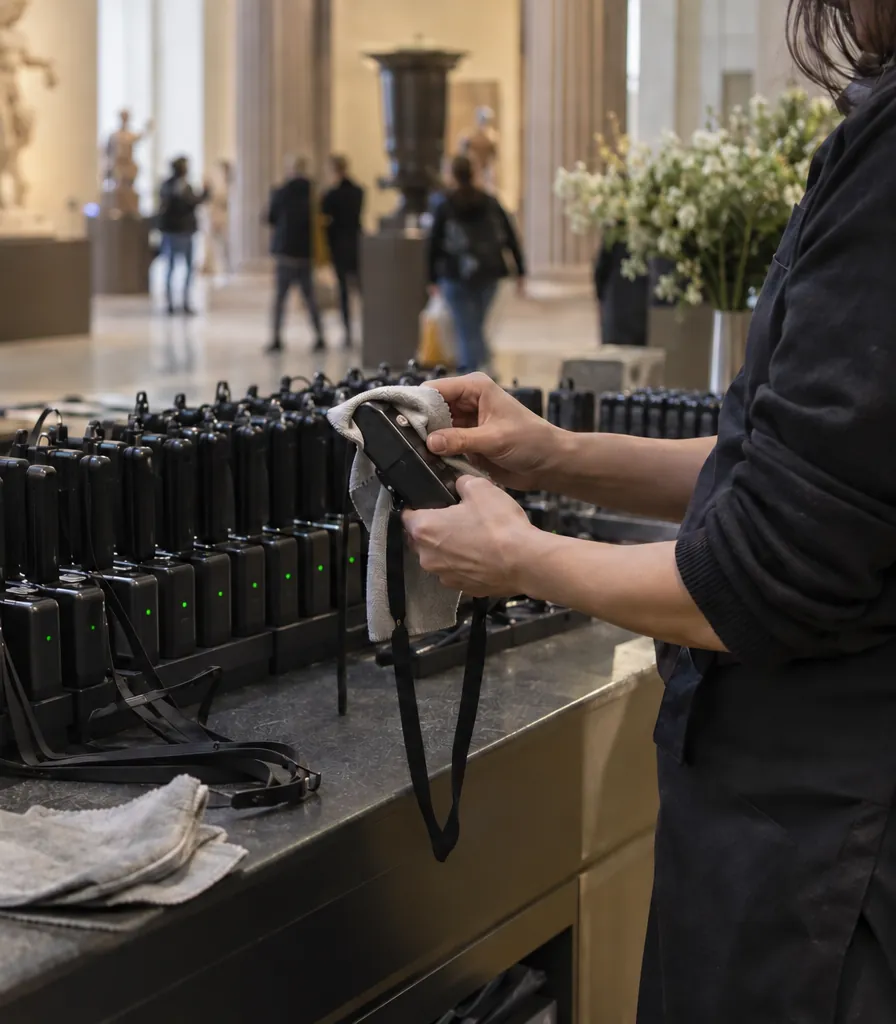
Why audio guides are hard to run: You wanted an audio guide, but these always got in the way
Buying devices, charging, cleaning, losing them
The visitor's own phone is the guide. No rental counter, no charging racks.
Zero devices
Docent talks happen a few times a day, only for visitors who come on time
Every work has the same commentary any time. Write the script and an AI docent reads it.
Minutes per work
There's no way to explain things to international visitors
Pick languages and translation and audio happen in one go. It plays in each visitor's phone language automatically.
35 languages
Every new exhibition means re-recording and re-posting QR codes
Edit the script and the audio is remade; a fixed QR code stays on the wall while only the commentary changes.
No reprinting
Wall texts are long and small, so nobody reads them to the end
Captions follow along as they listen, and the text can be enlarged.
3 text sizes
How to make an audio guide: All you need is the commentary script
No studio, no voice actor—an audio guide is ready in minutes per work.
-
1Paste the script and choose a voice
Paste your description as is. Years like 1501 and other numbers are read naturally. Choose anything from a calm commentary voice to a bright presenter.
-
2Save it to storage and a QR code is created
Make a QR code for each work, or one QR code for a whole gallery room. Download a large print-ready QR image right away.
-
3Post it next to the work and you're done
Visitors just scan it with their phone camera. No app, no login.

Renaissance Sculpture Room · 2 / 6
미켈란젤로, 다비드상
Follow along
 Next guideMother-of-Pearl Lacquer: Hands that Carve Light
See the exhibition catalog
Next guideMother-of-Pearl Lacquer: Hands that Carve Light
See the exhibition catalog
This is a real Korean commentary sample. Press play to hear it.
AI docent commentary: Here's how it sounds on a visitor's phone
Press play and the highlight follows the audio. Tap an item below to see that feature on the phone.
No app or sign-up: scan with the phone camera and it opens right in the browser.
Multilingual audio guide: International visitors listen in their own language
It plays in the language set on each visitor's phone. No need to record a multilingual audio guide language by language.
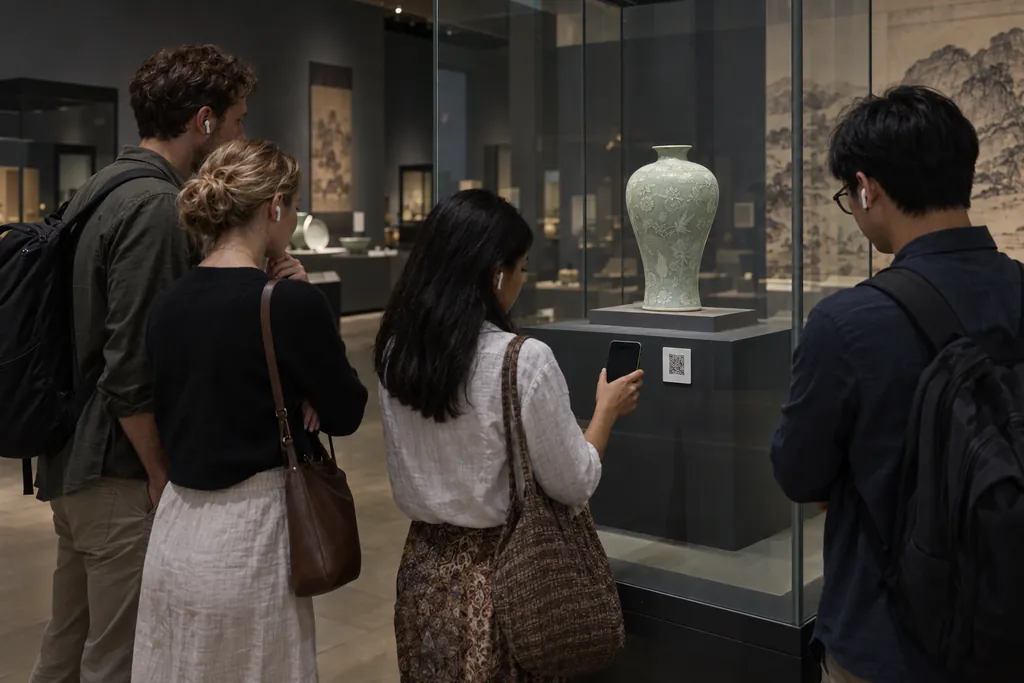

- Pick languages, get translation and audio in one goChoose from 35 languages and press one button—each commentary is translated and voiced.
- One voice speaks many languagesPick one of 30 AI voices and your English, Japanese and Chinese commentary continues in that same voice.
- You can edit the translationsIf a title or proper name isn't right, fix it and the audio is remade from your text.
- Falls back to EnglishLanguages you haven't made play in English, or Korean if there's no English. Visitors can switch any time with the language button.
Audio in other languages uses monthly characters equal to the length of the translated script.
Gallery guide page: One QR code at the gallery entrance is enough
Group commentaries in the order you choose and they become a gallery-room audio guide. With Play all, visitors keep listening as they move from work to work.
- Only what you choose is shownAudio in storage that isn't on the page stays hidden from visitors. Just leave staff recordings out.
- Played commentary is markedVisitors always know where they left off.
- A page for each floor or roomFrom the ADVANCED plan, make several guide pages and post a separate QR code for each.
- Page titles in the visitor's language tooOnce you make commentary in other languages, the page title and intro are translated automatically.


Fixed QR codes: New exhibition, same QR code on the wall
A fixed QR code stays where you posted it; only the linked commentary changes. No peeling off and re-posting QR codes for the next show.
- Next exhibition's commentary in one clickChange the audio linked to a fixed QR code and the new commentary plays from that moment.
- Pause it to show 'paused'During installation, pause it and visitors see a 'paused' notice.
- Edit the script, remake the audioEven one wrong year: fix the script and the audio is made again.
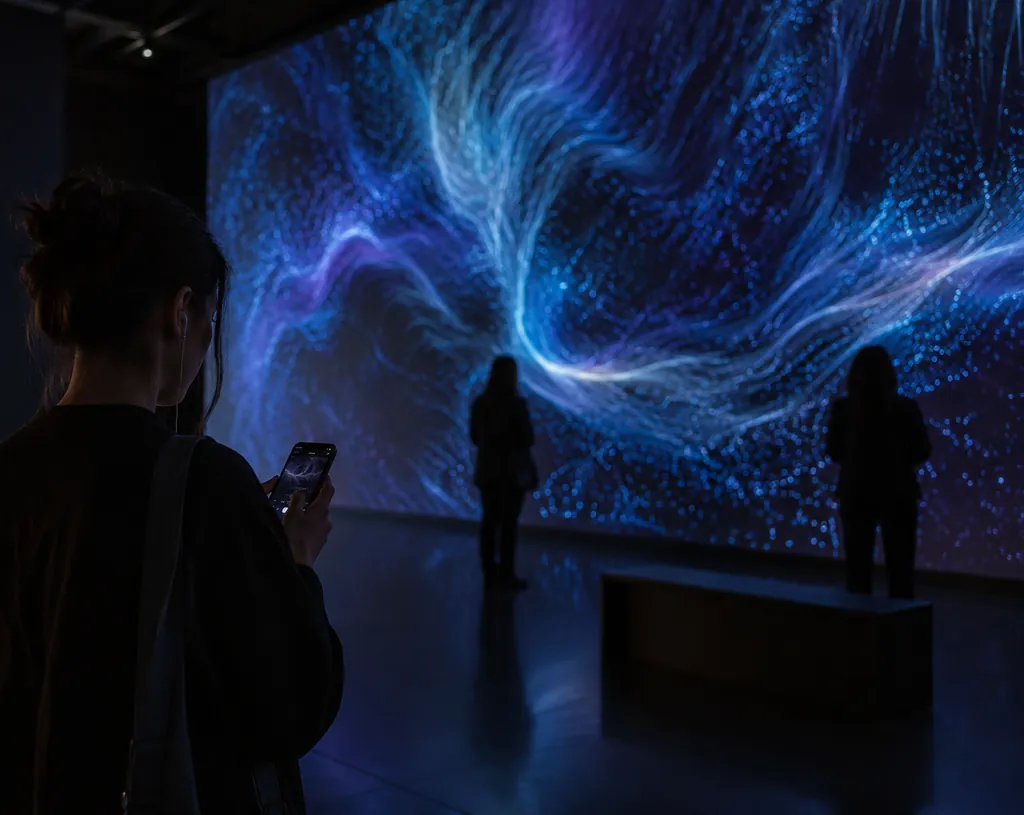
Customize the visitor screen: Dark mode for dimly lit galleries
You choose light or dark for each guide page. It keeps the exhibition's mood whatever the visitor's phone settings.
- Cover photoUpload a photo of the work or pick from 15 sample photos—or go without a photo.
- Link buttonAdd one button that leads to the next step, like buying the catalog, booking a visit or your website.
- Buttons in the visitor's language tooButton labels are translated along with the commentary.
Listening statistics: See which works people listen to most
Plays build up by date for each QR code. Use the most-heard commentary and the works people pass by to shape your next exhibition.
- Large print-ready QRDownload a 1200px QR image that stays sharp on the wall.
- As a link tooPaste the same commentary link into texts, social media or your website.
- Pause a single QR codePause only the work under repair and leave the rest running.
Museums, galleries and tourist sites: Anywhere that needs explaining
From art museums to history museums, heritage sites and showrooms—wherever a spoken explanation lands better.
-
 Art museums & galleries
Commentary per work, the full list at the room entrance
Art museums & galleries
Commentary per work, the full list at the room entrance
-
 Museums & memorials
Artifact commentary in other languages too
Museums & memorials
Artifact commentary in other languages too
-
 Heritage & tourist sites
The stories behind the sign, via a QR next to it
Heritage & tourist sites
The stories behind the sign, via a QR next to it
-
Workshops & studios
The making process and the maker's story
-
 Showrooms & car dealerships
Each car's highlights, before staff step in
Showrooms & car dealerships
Each car's highlights, before staff step in
-
 Pop-up stores & brand exhibitions
Brand stories and product introductions
Pop-up stores & brand exhibitions
Brand stories and product introductions
-
 Café · restaurant
Stories of the beans and the menu
Café · restaurant
Stories of the beans and the menu
-
 Hospitals & public offices
Visitor information in many languages
Hospitals & public offices
Visitor information in many languages
Rental devices vs. apps vs. QR: Three ways to offer an audio guide
| Compared | Rental devices | Dedicated app | QR audio guide |
|---|---|---|---|
| Visitors | Borrow and return at a counter | Download an app | Scan with the camera |
| You | Charging, cleaning, losses | App updates | Edit script |
| Foreign languages | Record each language | Build each language | Pick languages, done |
| New exhibition | Re-record and load devices | Release the app again | Same QR, new commentary |
| Start-up cost | Buying devices | App development | Monthly subscription |
Audio guide pricing: Dozens of commentaries with one monthly plan
Based on one commentary of 500 characters (about 1 min 30 s), here's how many you can make a month.
| Plan | Commentaries / month | Storage | Fixed QR codes | Guide pages |
|---|---|---|---|---|
| STARTER | About 5025,000 characters | 30 audio files | 3 | 1 |
| BASIC | About 14070,000 characters | 60 audio files | 10 | 1 |
| ADVANCED | About 280140,000 characters | 100 audio files | 20 | 10 |
| ENTERPRISE | About 800400,000 characters | 200 audio files | 30 | 30 |
Audio in other languages uses the same monthly characters. When a membership ends, QR codes switch to 'paused' after 7 days; restart within 6 months and they open again without reprinting.
QR audio guide: Frequently Asked Questions
Have more questions before you start? Ask our support team.
Ask supportPricing and features on this page are as of October 2, 2026.
What is a QR code audio guide?
It is an audio guide where visitors scan the QR code placed next to a work with their own phone camera and the commentary for that work plays right away. No rental devices or dedicated app are needed, and all you need to make it is the commentary script, voiced by an AI docent.
How do I make an audio guide?
Paste the commentary script, choose a voice and create the audio, then save it to storage and a QR code is generated. Download the QR code and put it next to the work, and visitors scan it with their phones to listen right away. Each work takes only a few minutes, and for other languages you just pick the language and the translation and audio are made in one go.
How much does it cost to make an audio guide?
Creating and previewing audio is free. To play it to visitors through QR codes you need the STARTER plan or higher, whose monthly character allowance covers about 50 commentaries of 500 characters. There are no studio, voice actor or rental device costs, and you can check prices on the pricing page.
Do visitors need to install an app?
No. They scan the QR code with their phone's built-in camera and it plays right away in the browser. No sign-up or login.
How many languages can it speak?
35 languages. It plays first in the language set on the visitor's phone; if you haven't made that language it falls back to English, and to Korean if there is no English. Visitors can switch any time with the language button.
How is it different from rental audio guide devices?
There are no devices to buy, charge, clean or keep track of. Visitors listen on their own phones, so you need no rental desk, and when you edit a commentary the fixed QR code already on the wall plays the new version.
Can I change the commentary behind a QR code I've already printed?
If you used a fixed QR code, leave the print where it is and just switch the linked audio. A QR code made for a single audio is tied to that audio, so changing it to another audio means printing a new one.
How are characters counted?
Each audio uses this month's characters equal to the length of its script. Audio in other languages uses the length of the translated script, and nothing is deducted if translation or audio creation fails.
What happens to posted QR codes when my membership ends?
They keep playing for 7 days after it ends. After that, visitors see a 'paused' notice. Restart your membership within 6 months and they open again as they were, with no reprinting.
Will visitors see my staff-only recordings too?
No. Only the audio you pick for a guide page is shown. Audio you keep in storage but don't add to a page never appears in the visitor list.
Can I use audio our docents recorded themselves?
Yes. Upload the recorded audio file to storage and make a QR code the same way. Automatic translation into other languages only works for audio that has a script. From the BASIC plan, you can also turn a docent's voice into an AI voice with voice cloning.
Can I see how much visitors listened?
Yes. Plays are recorded by date for each QR code, so you can see which artwork commentary gets heard the most.
Won't the screen be too bright in a dimly lit gallery?
You can turn on dark mode for each guide page. It's your setting as the operator, so it matches the exhibition's mood regardless of the visitor's phone settings.
Can I use it outside museums and galleries?
Yes. Heritage and tourist-site signs, workshops and experience centers, showrooms and car dealerships, pop-up stores, cafés and restaurants, hospitals and public offices — anywhere that needs explaining can offer voice guidance with a single QR code.
From your next exhibition, commentary on every visitor's phone
Start with one script. Making and listening to the audio is free.
Need visitors to ask questions and hear answers? Explore AI Help Desk